Photo Metadata: What It Is and How to View It
Every photo carries a hidden record of the camera, the settings, the moment and often the place. Here's what each field means and how to read it on any device.
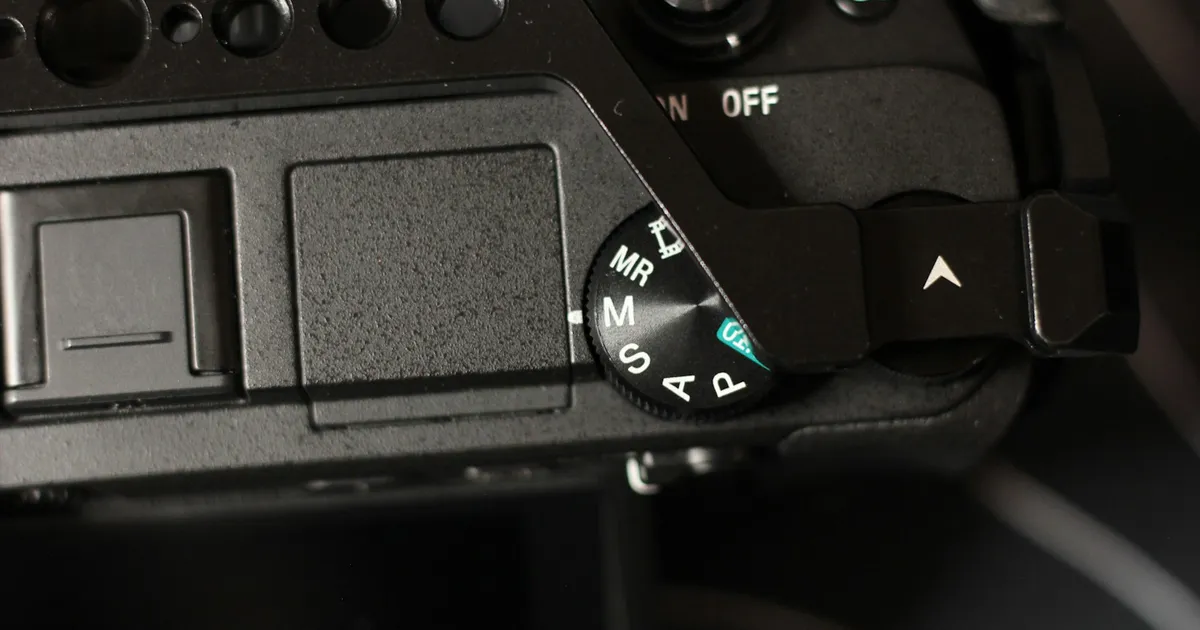
Open a photo and you see pixels. The file holds a lot more than that. There’s a block of text fields the camera wrote at the instant of capture, describing the shot and the machine that took it.
That’s metadata, data about the data. Here’s what’s in there.
The three standards
People say “EXIF” for all of it, but there are three formats, and they do different jobs:
| Standard | Written by | Holds |
|---|---|---|
| EXIF | The camera, automatically | Camera, lens, exposure, timestamp, orientation, GPS |
| IPTC | A human, later | Caption, creator, copyright, keywords, credit |
| XMP | Software (Adobe’s format) | Edits, ratings, anything the other two lack |
EXIF is the one that matters for most questions, because EXIF is where the camera puts the automatic stuff, including the location.
What’s actually in EXIF
The camera. Make, model, lens, serial number on some bodies. This is why “which camera shot this?” is usually answerable in one click.
The exposure. Shutter speed, aperture, ISO, focal length, flash, metering mode. Handy when you want to know how you got a shot you liked.
The moment. DateTimeOriginal is when the shutter fired. There are three date
fields (original, digitised, and file-modified) and they can disagree. The original is
the one you want. Older cameras record no timezone, which is why holiday photos are so
often an hour or three off.
Orientation. A number from 1 to 8 saying which way is up. It’s why a photo appears sideways in one program and correct in another: one respected the flag, one didn’t.
The place. GPSLatitude, GPSLongitude, GPSAltitude and their reference fields,
if location services were on. Stored as degrees/minutes/seconds fractions rather than
the decimals you’d paste into a map.
Thumbnails. A small preview embedded in the file. There’s a classic gotcha here. Crop a photo in a careless editor and the embedded thumbnail can still show the uncropped original. It has happened to real people in public.
How to view it
Windows. Right-click → Properties → Details. Free, built in, shows most of it.
macOS. Open in Preview → Tools → Show Inspector (⌘I). The tabs across the top are General / EXIF / TIFF / GPS.
iPhone. Open in Photos, swipe up. iOS 15+ shows camera, exposure and a location map.
Android. Google Photos → ⓘ Details.
Adobe Lightroom / Bridge. The fullest view in mainstream software, and where IPTC fields are actually editable.
exiftool (command line) is the definitive answer. exiftool photo.jpg dumps
everything, including fields the GUIs don’t know exist. Steep learning curve, nothing
else matches it.
Online viewers are fastest for a one-off. The question worth asking is whether the tool uploads your photo to read it. Most do: you hand over the file, their server parses it, you get a table back. That means the photo, its location and its timestamp have all been sent to a third party, to answer a question your own browser could have answered locally.
Why metadata disappears
If a file has nothing in it, one of these happened:
- A platform stripped it. Instagram, Facebook, X, WhatsApp, Discord and most social networks remove EXIF on upload. Google Business Profile does too.
- An editor dropped it on export. Screenshots, “Save for Web”, many resizers, and plenty of format converters discard metadata by default.
- It’s a screenshot or a scan. New file, no camera, no history.
- Someone removed it deliberately. A sensible habit before sharing.
Keeping it when you don’t want it gone
The flip side is real too: people lose metadata they needed. Exporting a library, moving between services, converting formats, each one is a chance for the record to vanish.
The general rule: look for an “original” or “unmodified” export option, and check the output before you delete the source. If you’re moving a Google Photos library, that process has its own specific trap.
Editing it
Metadata is editable, all of it. That’s how you fix a wrong camera clock, add a copyright line, or put a location on a photo that never had one.
It’s also why metadata is not proof. Anyone can write any value into any field. A timestamp and a coordinate in a file are a claim, not evidence. Useful as a record, worthless as testimony without something else backing it.
FAQ
What’s the difference between metadata and EXIF? EXIF is one kind of metadata, the camera-written kind. IPTC and XMP are the others.
Can metadata be recovered once it’s stripped? Not from the stripped file. Only from a backup of the original.
Does metadata make files bigger? Only marginally, usually a few kilobytes, dominated by the embedded thumbnail.
Is metadata private? It travels with the file. It’s not visible in the photo, but it’s not hidden either. Anyone who receives the file can read all of it in seconds.